
Precision Cutting for Flawless Edits
Achieve perfect outlines and seamless integration for your images with our expert clipping path services.
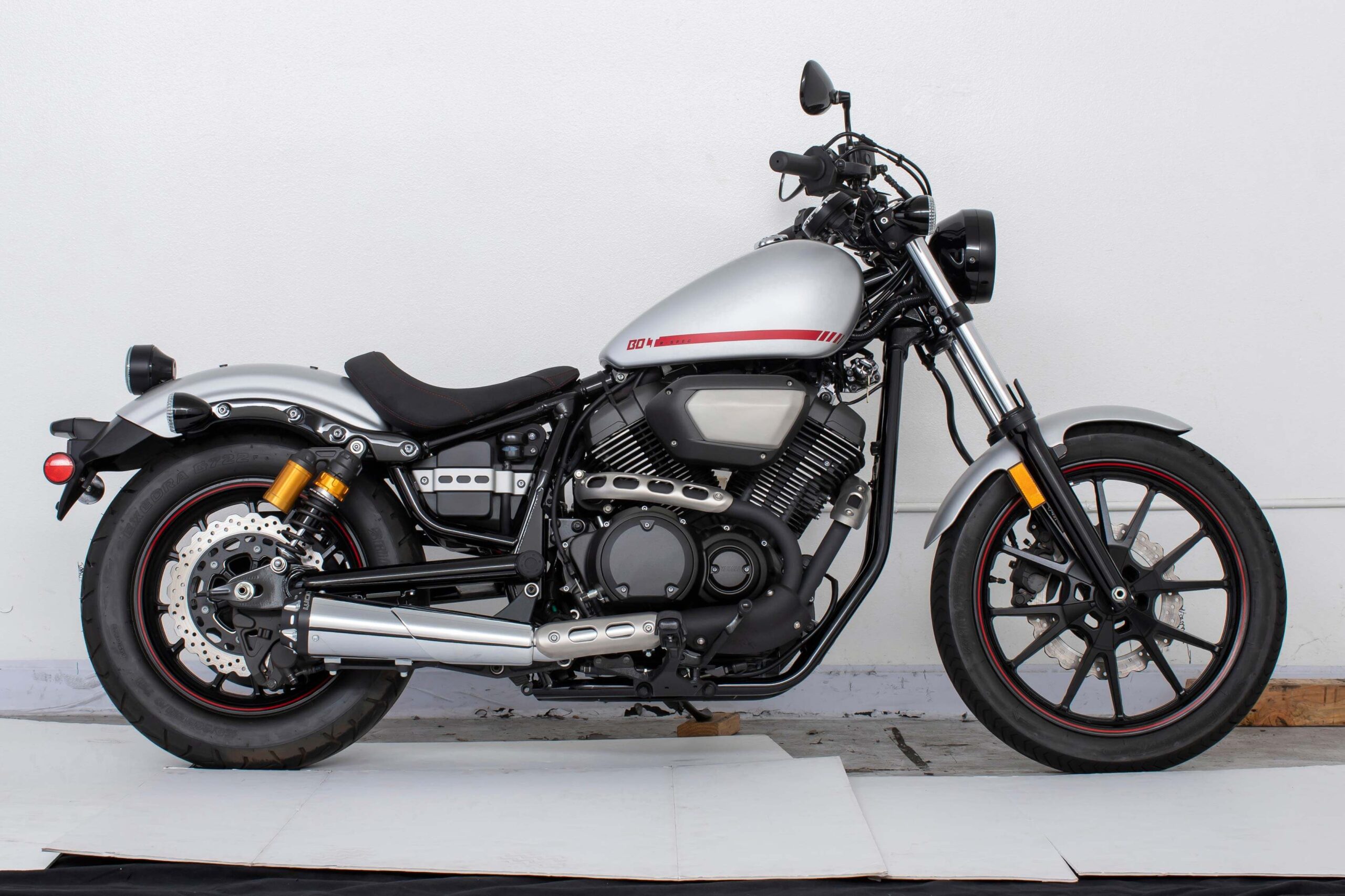
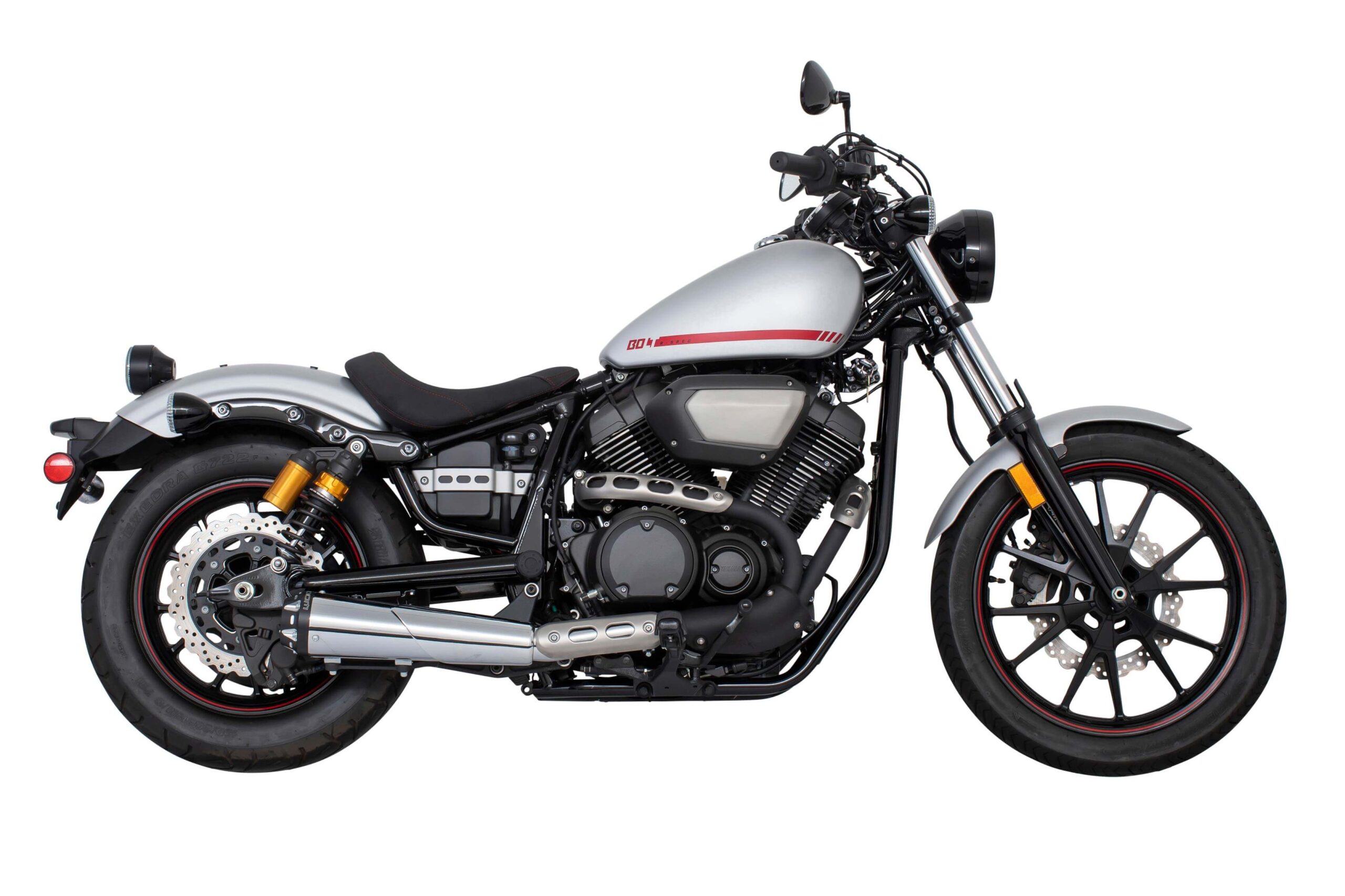
Clipping Path Service
Hand-drawn clipping paths deliver crisp and precise cutouts, seamlessly adaptable to any backdrop.
Starting at
$0.25
Per image
What is Clipping path Service?
In today’s digital age, where visual content reigns supreme, the quality and precision of images are of paramount importance. Whether you are a professional photographer, graphic designer, e-commerce business owner, or just someone who loves to share pictures on social media, you’ve probably encountered the term “clipping path.” But what exactly is a clipping path, and why is it so crucial in image editing and graphic design? In this comprehensive guide, we will delve deep into the world of clipping paths, exploring their definition, applications, benefits, and how they can significantly enhance your visual content.
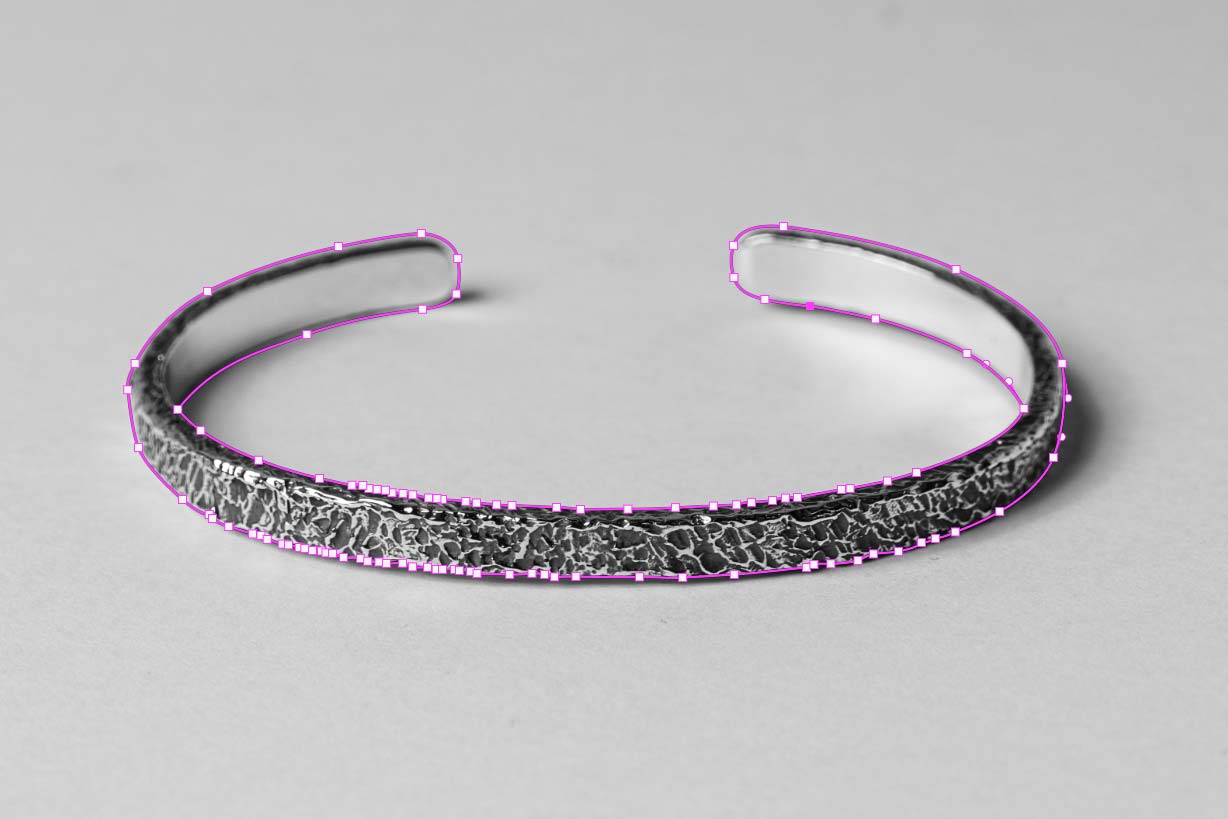
Clipping paths are typically created using specialized software such as Adobe Photoshop or Illustrator. Skilled graphic designers meticulously trace the edges of the target object, creating a path that defines what should be included and what should be excluded. Once the path is created, it can be used to manipulate the image in numerous ways, from changing the background to applying filters and effects.
Applications of Clipping Paths
Now that we understand what clipping paths are, let’s explore their diverse range of applications in image editing and graphic design.
1. E-commerce Product Photography
For e-commerce businesses, high-quality product images are non-negotiable. Clipping paths enable e-commerce retailers to remove distracting backgrounds and showcase their products with consistency. This not only enhances the visual appeal of the products but also builds trust with potential customers.
2. Photo Retouching
Clipping paths play a crucial role in photo retouching and restoration. Whether you want to remove imperfections from a portrait or bring new life to old photographs, clipping paths provide the precision needed for these tasks.
3. Graphic Design Projects
Graphic designers use clipping paths to seamlessly integrate images into various design projects, such as brochures, flyers, posters, and websites. This level of precision ensures that images fit harmoniously with the overall design concept.
4. Image Masking
In cases where a subject has complex or fine details like hair or fur, clipping paths may not be sufficient. Image masking, a more advanced technique, is often combined with clipping paths to achieve the desired result.
Hand-Drawn Clipping Path
Precise product cutouts with clean and sharp edges A hand-drawn clipping path is the best solution when you need accurate product cutouts with clean edges. At Photoshop Crush, we manually create clipping paths using the Pen Tool to separate products from their original background without damaging the shape, edge, or important details. This service is ideal for e-commerce product photos, catalogs, advertising images, packaging photos, fashion items, accessories, and online marketplace listings. We focus on clean outlines, professional finishing, and consistent image presentation.


Hand-Drawn Clipping Path
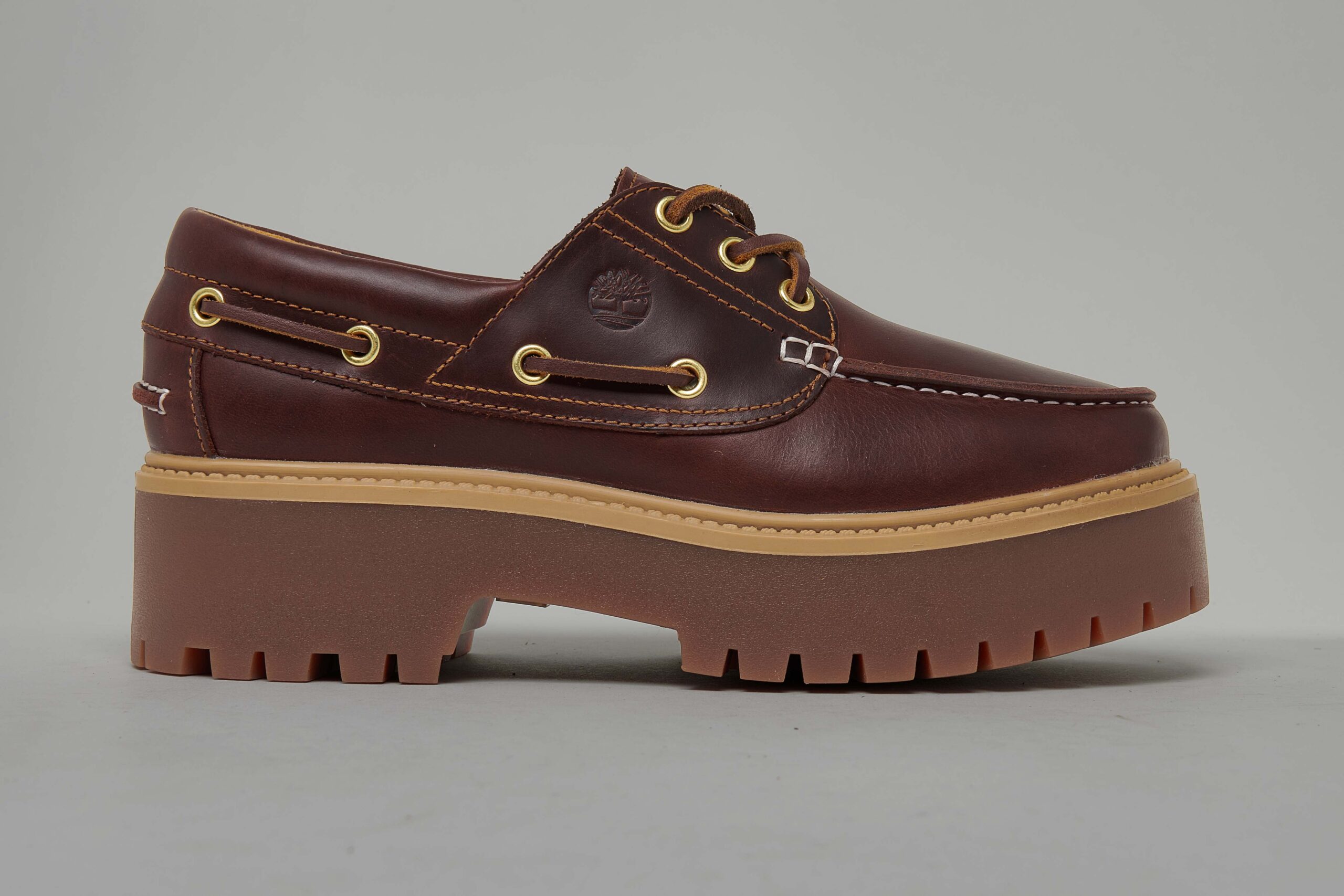
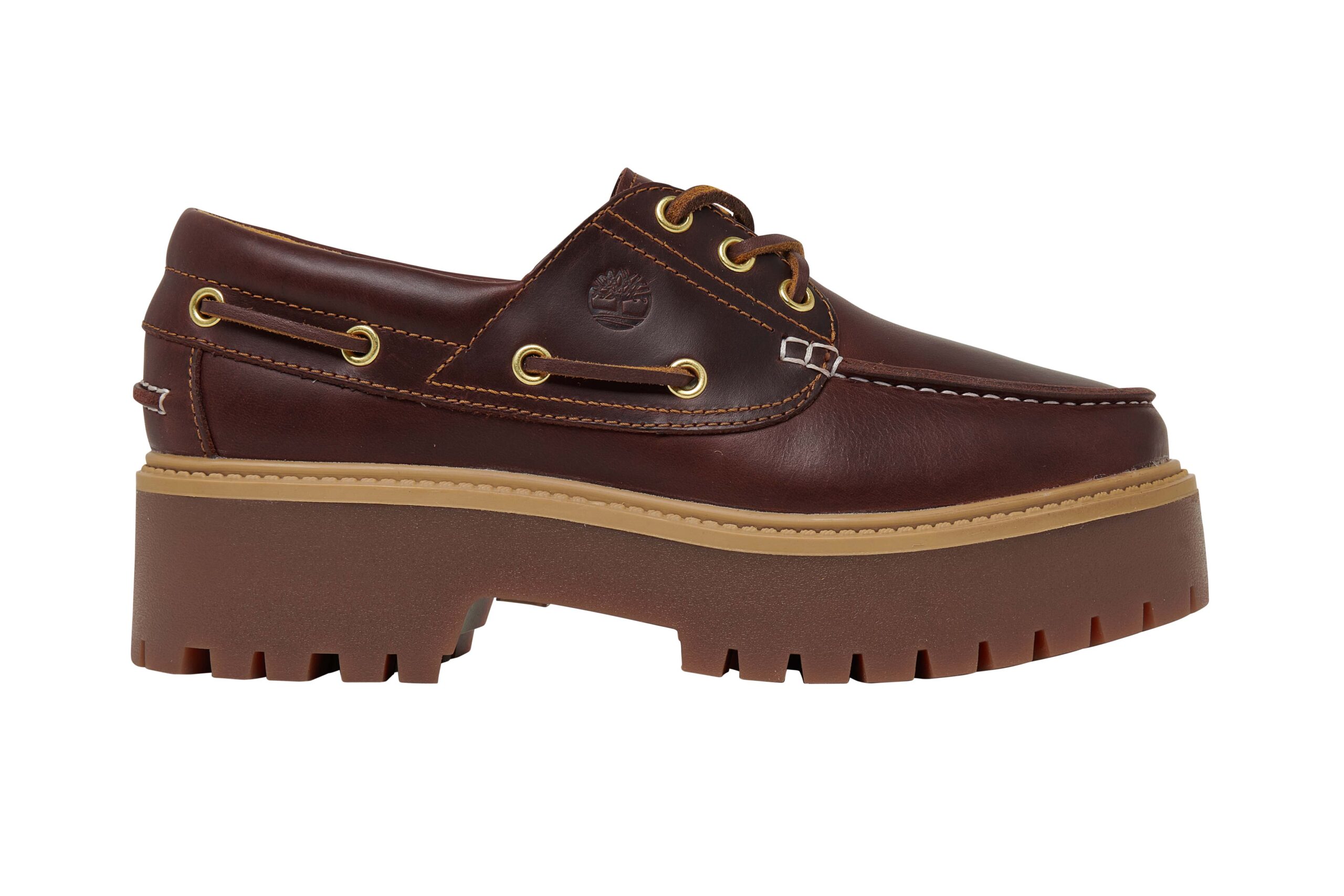
White Background for Product Photos

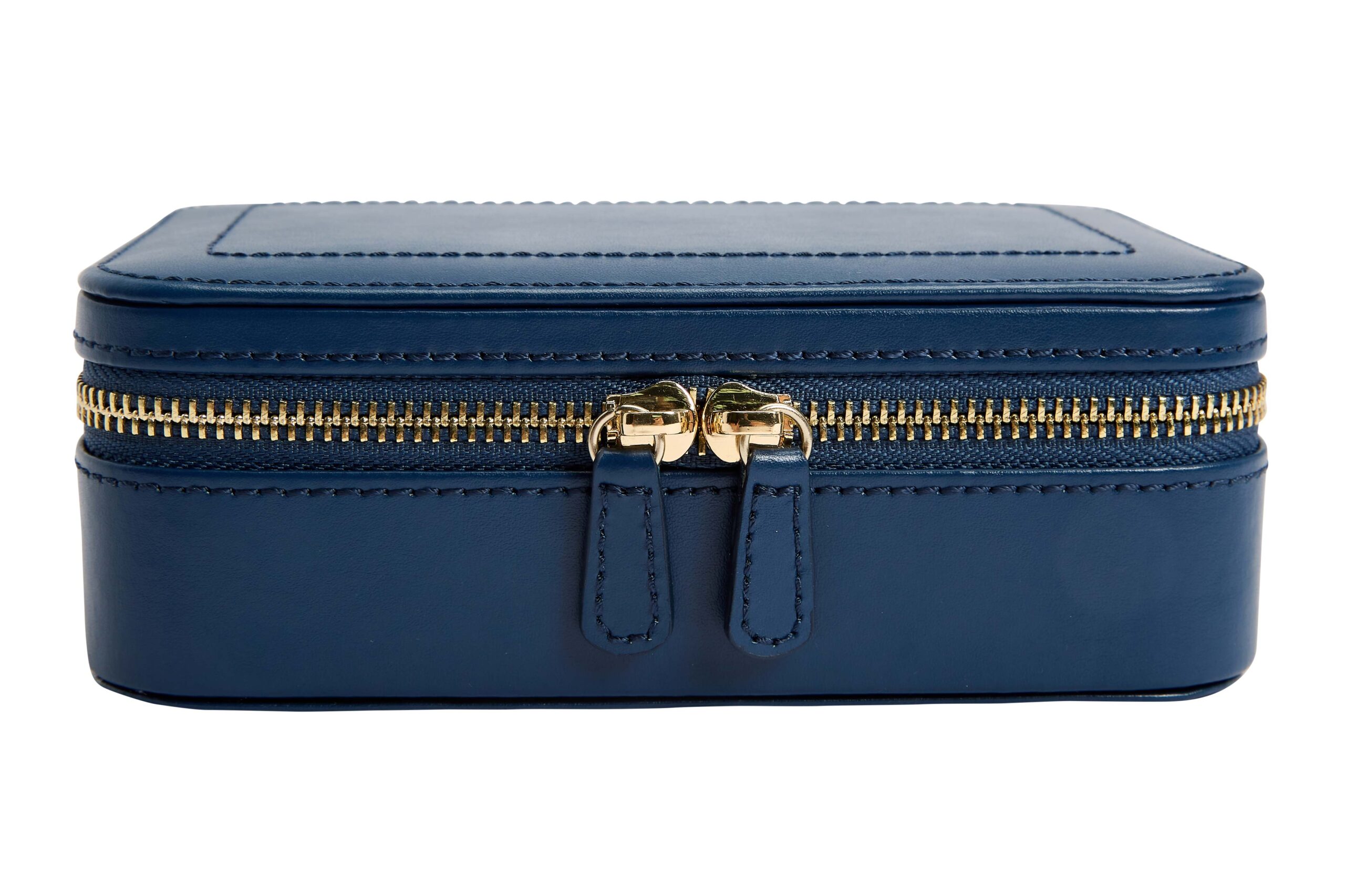
Transparent Background / PNG Cutout

Product Edge Refinement & Final Cleanup
KEEP THE CLIENT ENCHANTED
We are honest and trustworthy. Always we keep our promises and deliver on time and within budget. We encounter any problems when we have a face, inform our client as soon as possible, and offer solutions.
ON-TIME DELIVERY
24/7 SERVICES
CLIENTS SATISFACTION
TIMELY FOLLOW-UP
CUSTOMIZED REQUIREMENTS
SKILLFUL HUMAN RESOURCES
Request trial
Brand We're working with


Some of our work
Lorem ipsum dolor sit amet, consectetur adipiscing elit. Ut elit tellus, luctus nec ullamcorper mattis, pulvinar dapibus leo.


Frequently Asked Questions
