
Add Depth and Dimension to Your Images
Create realistic shadows that enhance the look of your products with our drop shadow services.
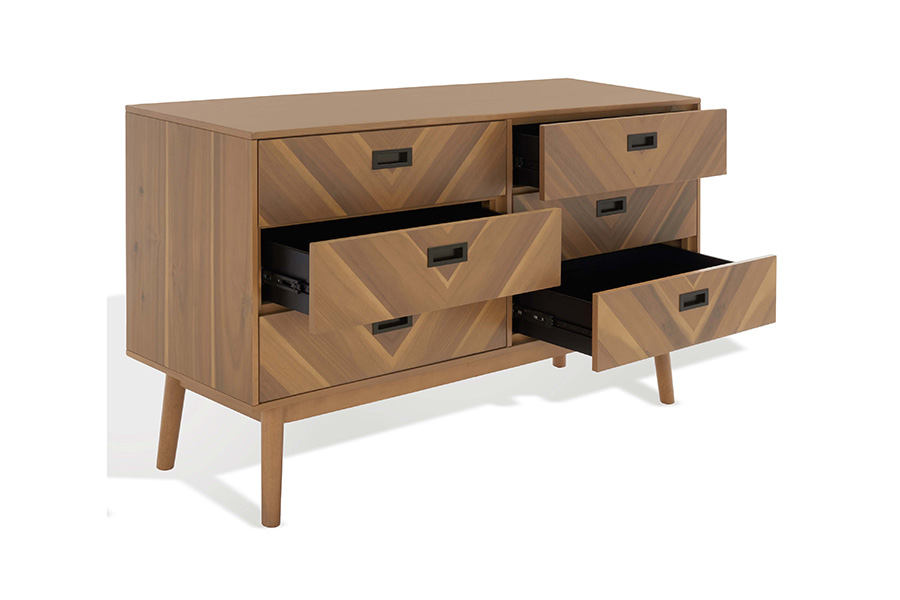
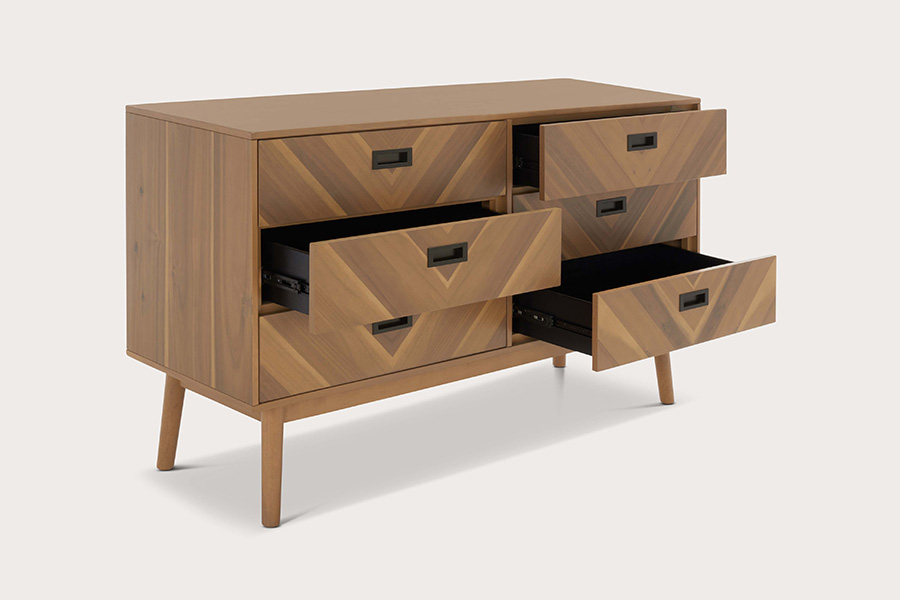
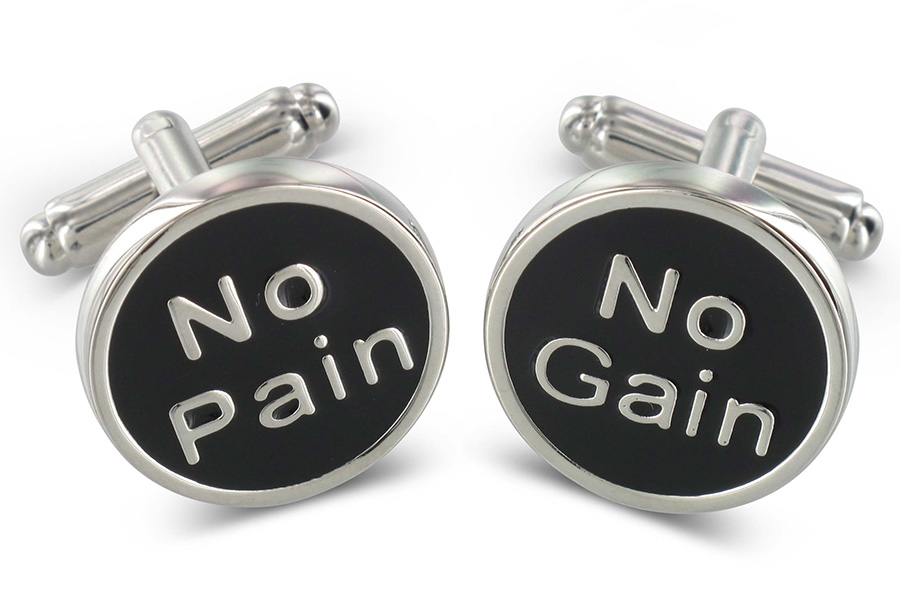
Drop Shadow Service
Photoshop Crush, has affordable, quality complete work and discounts for bulk orders. So, What do you think? let's get started with a Free Trial.
Starting at
$0.29
Per image
What is Drop shadow in Photoshop Crush
In the world of digital imagery, a picture is worth a thousand words, and the right editing tools can transform it into a visual masterpiece. Enter Photoshop Crush, your ultimate destination for professional photo editing services. In this article, we delve deep into the realm of Photoshop Crush and explore a crucial aspect of image manipulation: the Drop Shadow effect. Join us on this journey as we demystify what Drop Shadow in Photoshop Crush is and how it can elevate your visual content.
The Art of Drop Shadow
1. Understanding the Basics
So, what exactly is a Drop Shadow in Photoshop Crush? At its core, it’s an effect that adds depth and dimension to an object within an image. This technique creates the illusion of the object casting a shadow on the background, making it appear more lifelike and visually appealing.
2. Why Use Drop Shadows?
Drop shadows serve several essential purposes in image editing:
A. Depth and Realism
One of the primary reasons for using Drop Shadows is to lend depth and realism to flat objects. Whether you’re working with product images or portraits, this effect can make your subject pop off the screen or page.
B. Emphasizing Focus
By strategically applying Drop Shadows, you can draw attention to specific elements in your image. This is especially useful in marketing materials, where highlighting key products or features is paramount.
3. How to Create a Drop Shadow Effect
Now, let’s get practical. Creating a Drop Shadow effect in Photoshop Crush is a breeze. Follow these simple steps:
A. Select Your Object
Begin by selecting the object you want to apply the Drop Shadow to. This can be a product, text, or any element within your image.
B. Apply the Drop Shadow
Navigate to the “Layer Style” options in Photoshop Crush and choose “Drop Shadow.” Here, you can fine-tune the shadow’s settings, including its opacity, angle, and distance from the object.
C. Adjust the Settings
Play around with the settings until you achieve the desired effect. Don’t be afraid to experiment; the flexibility of Photoshop Crush allows for endless possibilities.
4. Use Cases for Drop Shadows
Drop Shadows are incredibly versatile and find applications in various scenarios:
A. E-commerce Product Images
Enhance your product images with subtle Drop Shadows to make them pop on e-commerce websites. This effect can help customers visualize the product better.
B. Web Design
Web designers use Drop Shadows to create buttons, icons, and interactive elements that appear three-dimensional, improving user experience.
C. Typography
Incorporate Drop Shadows into your typography to make text stand out in posters, banners, or social media graphics.
Drop Shadows in Photoshop Crush is a potent tool in the arsenal of photo editing. They bring depth, realism, and focus to your images, making them visually captivating. Whether you’re an e-commerce enthusiast, a web designer, or a creative content creator, mastering the art of Drop Shadows can take your visuals to the next level.
At Photoshop Crush, we understand the nuances of this technique and many more, ensuring that your images are always on point. So, why settle for ordinary when extraordinary is just a few clicks away? Elevate your visuals with Photoshop Crush today, and let your images speak volumes.
Our Drop shadow service
Lorem ipsum dolor sit amet, consectetur adipiscing elit. Ut elit tellus, luctus nec ullamcorper mattis, pulvinar dapibus leo.
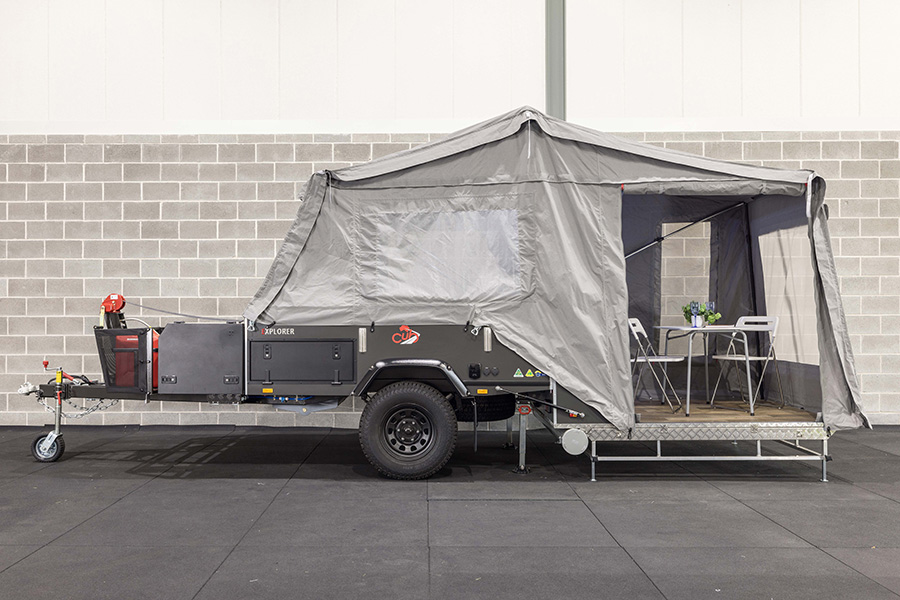
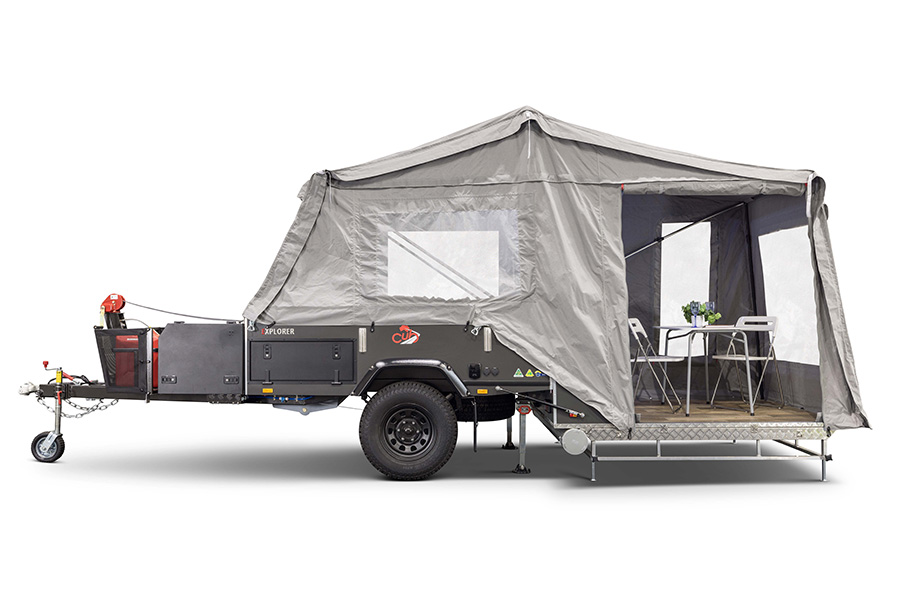
Our Drop shadow service


Our Drop shadow service
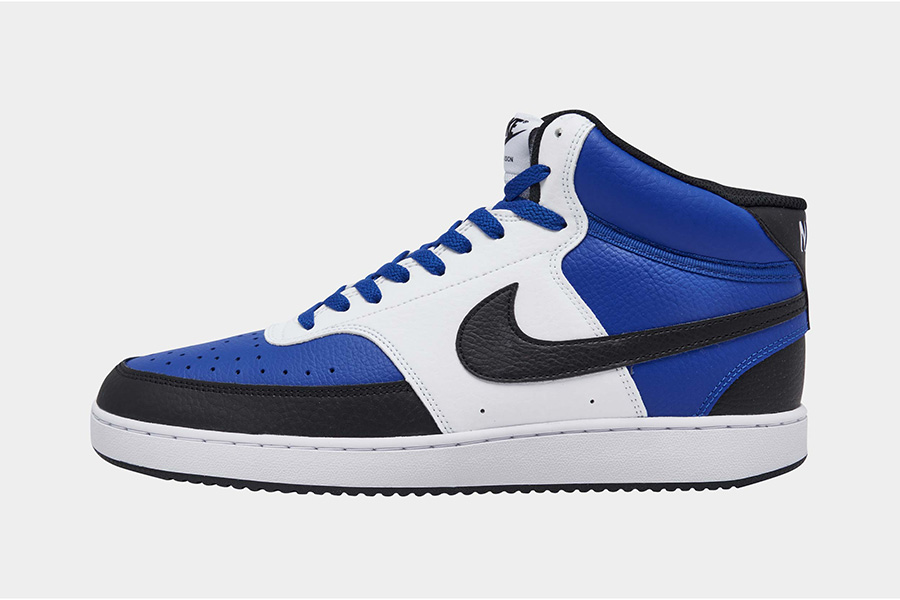
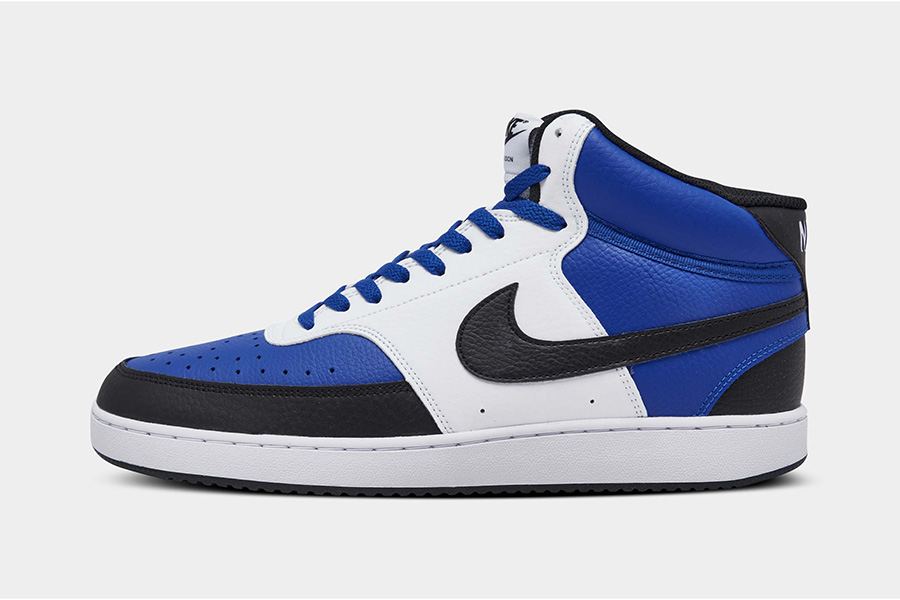
Our Drop shadow service
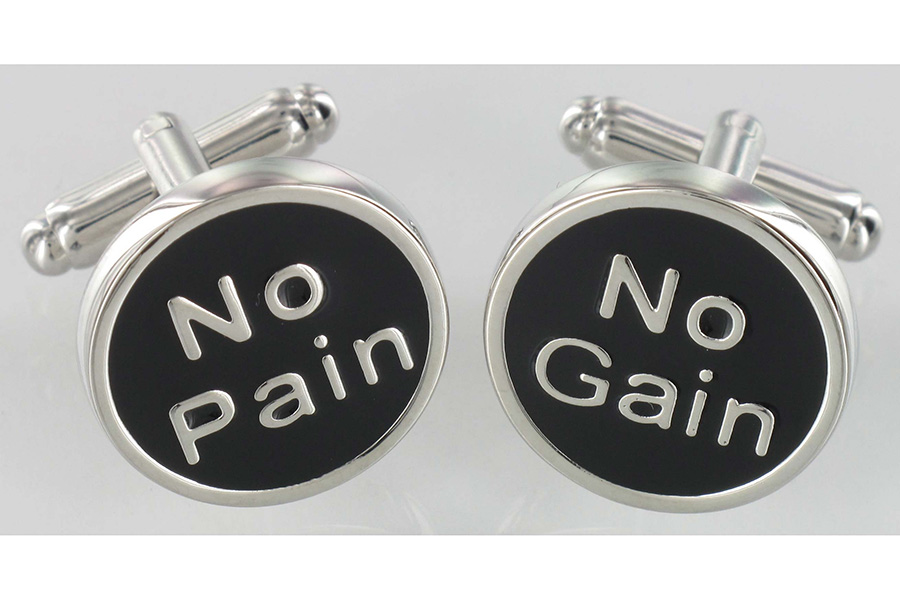
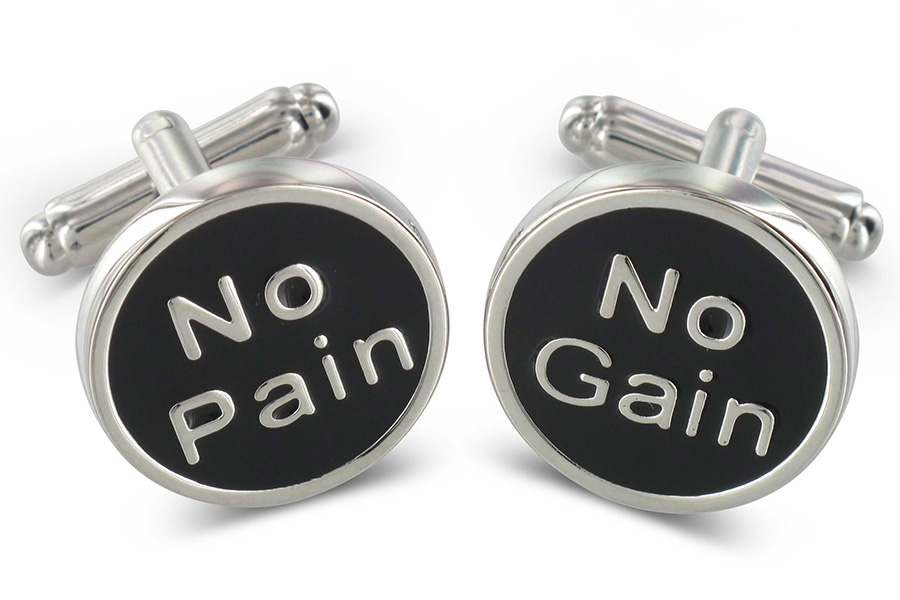
Our Drop shadow service
KEEP THE CLIENT ENCHANTED
We are honest and trustworthy. Always we keep our promises and deliver on time and within budget. We encounter any problems when we have a face, inform our client as soon as possible, and offer solutions.
ON-TIME DELIVERY
24/7 SERVICES
CLIENTS SATISFACTION
TIMELY FOLLOW-UP
CUSTOMIZED REQUIREMENTS
SKILLFUL HUMAN RESOURCES
Request trial
Brand We're working with


Some of our work
Lorem ipsum dolor sit amet, consectetur adipiscing elit. Ut elit tellus, luctus nec ullamcorper mattis, pulvinar dapibus leo.


Frequently Asked Questions
